


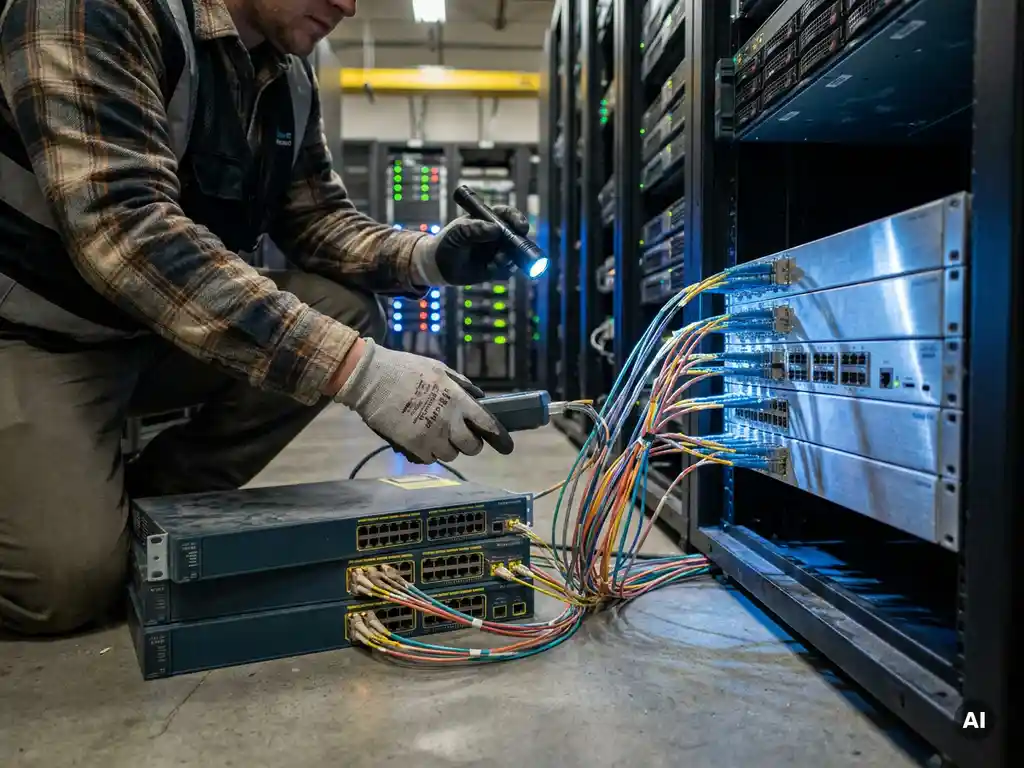
During a network modernization, you don’t have to replace everything. Much of your existing network equipment can be retained, provided it still meets current performance and security requirements. The key is an honest assessment per device category, based on technical condition, support status, and the risk that legacy hardware introduces. The questions below help you make that assessment in a structured way.
What criteria determine whether equipment is still suitable?
Network equipment is still suitable for reuse if it is actively supported by the manufacturer, meets the bandwidth and latency requirements of your current and planned workloads, and has no known security vulnerabilities that are no longer being patched. Equipment that meets all three criteria is a serious candidate for retention during a network infrastructure upgrade.
In practice, you assess equipment on four axes:
- Support status: Is the hardware still under active support from the manufacturer? Once a product reaches End of Support (EoS) or End of Life (EoL), the flow of security updates and firmware patches stops.
- Performance: Can the device handle current and anticipated network loads, including higher throughput speeds and lower latency requirements driven by cloud applications and video conferencing?
- Compatibility: Does the hardware work with newer protocols, management platforms, and security standards you intend to adopt?
- Physical condition: How old is the device, and are there signs of wear such as increased error messages or thermal issues?
Equipment that falls short on one or more of these axes is a risk to the stability and security of your network, even if it is still functioning at this moment.
Which network equipment is most often reusable?
Passive components and managed switches are most often suitable for retention during a network modernization. Active equipment such as core routers and firewalls is more frequently replaced, because it directly impacts performance and security. The category largely determines how long hardware remains viable.
An overview by category:
- Passive fiber infrastructure (cables, patch panels, connectors): Lasts for decades and rarely needs replacing, unless capacity is insufficient.
- Access switches: Often reusable if they support PoE and the required port speeds and are still within manufacturer support.
- Distribution switches: Depends on age and whether they can handle the desired segmentation and VLAN functionality.
- Core switches and routers: More frequently replaced, as outdated hardware here creates a bottleneck for the entire network.
- Firewalls and security equipment: Have a shorter lifecycle due to the rapid evolution of threats and the need for up-to-date firmware.
- SFP modules and media converters: Relatively inexpensive and easy to replace, but only need replacing when they fail or do not support the desired speed.
When assessing optical networking components, it is useful to distinguish between the passive fiber layer, which is rarely a bottleneck, and the active components that determine capacity.
How do you assess the security risks of existing equipment?
You assess the security risks of existing network equipment by checking whether the firmware is still being actively maintained, whether there are known vulnerabilities (CVEs) without an available patch, and whether the authentication and encryption standards still meet current requirements. Equipment without active security updates poses a direct risk, regardless of how well it is still functioning.
Concrete steps for a security assessment:
- Check the EoS/EoL date with the manufacturer and verify whether the current firmware is still supported.
- Search public vulnerability databases for known CVEs for the specific model and firmware version.
- Assess authentication capabilities: does the device still support modern standards such as MACsec, RADIUS, or TACACS+?
- Check whether management traffic can be encrypted (SSH, HTTPS) and whether insecure protocols such as Telnet or HTTP are disabled.
- Assess whether the device is visible and manageable from your current monitoring and management platform.
For equipment that secures critical connections, it is also worthwhile to look at additional protection of sensitive data at the network level, so that outdated hardware does not become the weakest link in your security chain.
When is a phased replacement better than a full migration?
A phased replacement is better than a full migration when operational continuity is critical, the budget needs to be spread out, or when not all equipment reaches the end of its lifecycle at the same time. A big-bang migration is only advisable when the existing infrastructure is so outdated that it poses a continuous security or performance risk.
Phased replacement has clear advantages:
- You limit the impact on business processes by scheduling replacements outside peak hours or per network segment.
- You spread investments across multiple budget years without delaying the overall modernization.
- You can run new and existing equipment in parallel and isolate issues before moving forward.
A full migration is the better choice when legacy network equipment is so outdated that it blocks the integration of new systems, or when the security risks are too great to accept during a phased approach. In sectors with strict compliance requirements, such as healthcare or critical infrastructure, a full replacement may also be necessary to meet regulatory obligations.
What does it cost to continue using outdated equipment?
Keeping outdated network equipment in use brings costs that are not always immediately visible: a higher risk of failure, rising maintenance costs, limited scalability, and increasing security risks. These indirect costs often exceed the savings on new hardware investments over time.
The main cost factors of legacy network equipment are:
- Failure risk: Older hardware has a higher likelihood of defects. Downtime in business-critical environments has direct financial consequences.
- Maintenance and spare parts: As equipment ages, replacement parts become scarcer and more expensive. Sometimes third-party maintenance is the only option, which drives costs up further.
- Energy consumption: Older equipment is typically less energy-efficient than modern alternatives, resulting in higher electricity costs.
- Security incidents: A successful attack via an unpatched vulnerability can lead to data loss, reputational damage, and fines for non-compliance with privacy legislation.
- Management burden: Outdated systems require more manual intervention and are harder to integrate with modern management platforms, reducing your IT team’s productivity.
The real question is not what new equipment costs, but what it costs if you don’t invest. Real-time network monitoring can help make the risks of existing infrastructure more visible before you make a replacement decision.
How do you create an inventory of your current network infrastructure?
You create an inventory of your network infrastructure by mapping all active and passive components, including location, model, firmware version, age, and support status. This gives you the factual basis to make an informed decision per device about retention, upgrade, or replacement.
A structured approach works as follows:
- Automatic discovery: Use a network management tool to automatically detect and catalog all connected devices. This provides an up-to-date overview without manual walkthroughs.
- Collect data per device: Record per component: brand, model, serial number, firmware version, installation date, and location in the network.
- Check EoL/EoS status: Compare the discovered equipment against the official EoL/EoS lists from the manufacturers. This determines which hardware requires attention in the short term.
- Assess performance and capacity: Look at port utilization, throughput, and error logs to identify bottlenecks.
- Determine security status: Check whether firmware is up to date and whether there are known vulnerabilities for the inventoried models.
- Set priorities: Categorize equipment as “retain”, “upgrade”, or “replace” based on the collected data.
A good inventory is not a one-time exercise. Make sure your network documentation stays current, so that future modernization decisions always have reliable baseline information to draw from. If you would like support with this, we are happy to help you approach this analysis in a structured way, from the initial overview to a concrete replacement plan for your network infrastructure.
Ready for the next step?
Explore our solutions or get in touch directly with one of our experts.