


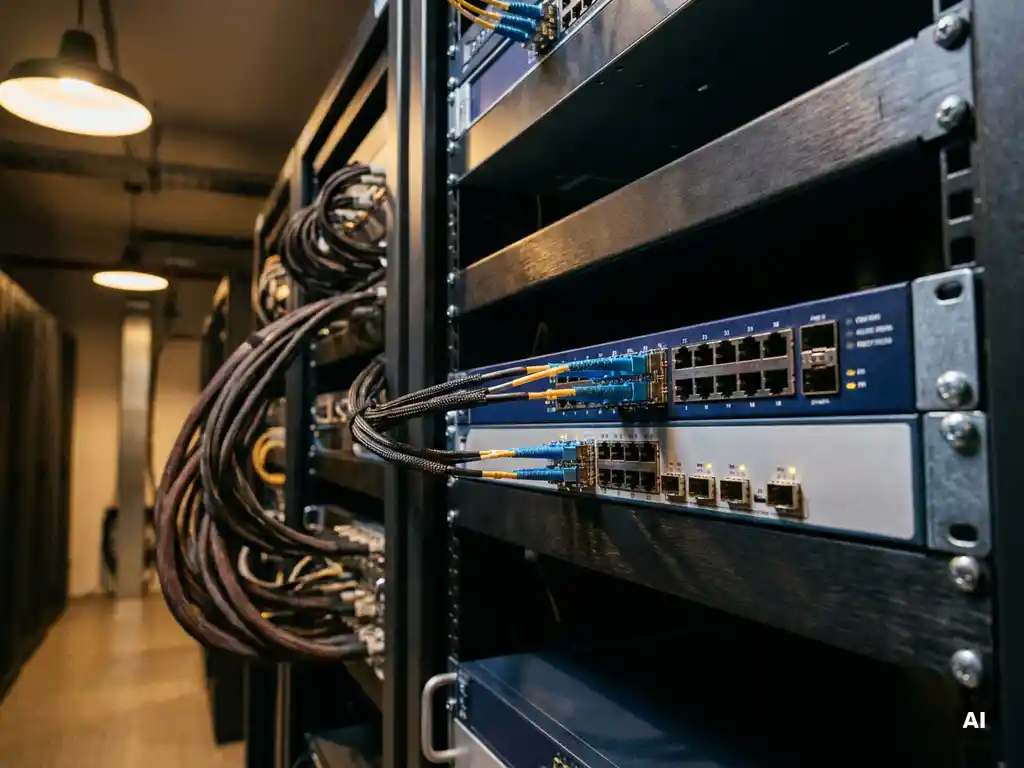
Network security for an organization with multiple locations is no simple task. Each site has its own infrastructure, users, and risks, while everything must remain connected and under control at the same time. Without a well-thought-out approach, blind spots, inconsistent security policies, and vulnerabilities emerge that attackers are eager to exploit.
In this guide, you will work through six concrete steps to properly set up multi-site network security. From mapping your infrastructure to maintaining your configurations: after completing these steps, you will have a solid foundation for a secure, manageable network across all your locations.
Map the network infrastructure for each location
Before you can secure anything, you need to know what exists. Start with a thorough inventory of the network infrastructure at each location. Think of active equipment, cabling, connection points, protocols in use, and the connections between locations.
- Document which equipment is active at each location: switches, routers, access points, and any local servers.
- Map the physical and logical connections, including connections to other locations and to the internet.
- Note which services and applications run at each location and which traffic flows are associated with them.
- Identify outdated or undocumented equipment operating outside the visibility of the IT department.
After this step, you have a complete overview of what is present at each location. This overview forms the basis for all subsequent steps. Are there missing devices or unclear points? Resolve those first before moving on, because securing what you do not know is impossible. Our optical network solutions also provide insight into the physical layer of your infrastructure.
Segment the network by location and user group
Network segmentation is one of the most powerful measures for network security in organizations with multiple locations. By dividing the network into logical zones, you limit the damage if something does go wrong: an attacker who gains access to one segment cannot simply reach the entire network.
- Define segments based on user groups, departments, or functions. Think of a separate segment for office users, one for production systems, and one for guests.
- Implement VLAN configurations per location based on this segmentation.
- Set firewall rules between segments so that only necessary traffic is allowed through.
- Ensure that sensitive systems, such as financial applications or medical equipment, are placed in a separate, more strictly secured segment.
After implementation, verify that the segments are actually separated from each other by sending test traffic between zones. If traffic that should be blocked still gets through, review the VLAN assignments and firewall rules again. Good segmentation also significantly reduces the attack surface when protecting sensitive data.
Secure the connections between locations
The connections between locations are a critical part of the network infrastructure. Traffic traveling over these connections must be protected against eavesdropping and manipulation. This applies to both connections over the public internet and to leased lines.
- Encrypt all traffic between locations. Use proven encryption solutions at the network level for this purpose.
- Consider layer 1 encryption for the most critical connections. This protects data at the physical transport level, even before it reaches higher layers.
- Implement SD-WAN security if you are combining multiple WAN connections. SD-WAN makes it possible to route traffic intelligently while centrally managing security policies at the same time.
- Ensure redundant connections so that a failure on one line does not bring down all communication between locations.
After configuration, verify that encryption is actually active on all connections. Use a packet analyzer to check whether traffic is unreadable outside the tunnel. For organizations with high security requirements, network-level encryption solutions offer robust protection that is also resistant to future threats.
Set up centralized access management for all locations
With multiple locations, it is tempting to manage access control separately per location. However, this quickly leads to inconsistencies and increases the risk of errors. Centralized access management ensures that permissions and policies are applied uniformly everywhere.
- Implement a central authentication solution that applies to all locations. Users log in with the same identity, regardless of where they work.
- Apply the principle of least privilege: give users access only to the systems and segments they need for their work.
- Set up multi-factor authentication for access to critical systems and for administrators logging in remotely.
- Ensure that administrators also have secure access to network equipment remotely, without this posing a security risk.
After setup, test whether users at each location are correctly authenticated and whether the correct permissions are assigned. Also verify that administrators have access to equipment at all locations through a secured channel. Out-of-band management is a proven approach for this that separates management access from production traffic.
Monitor the entire network from a single overview
With security in place, continuous monitoring is the next step. Without visibility into what is happening in the network, you often only notice problems when it is too late. One central monitoring platform gives you real-time insight into the behavior of all locations simultaneously.
- Set up a central monitoring system that collects logs and status messages from all locations.
- Define thresholds and alerts for anomalous behavior, such as unusual traffic spikes or failed login attempts.
- Ensure that monitoring also covers the physical layer. Unexpected changes in fiber optic connections can indicate physical sabotage or failures.
- Assign responsibilities: who responds to which type of alert and within what timeframe?
After configuration, verify that alerts are correctly generated by simulating a test scenario. Are you receiving the expected notifications in the right place? Then the monitoring is working as intended. For organizations that require maximum uptime, real-time fiber optic monitoring provides an additional security layer at the physical transport level.
Regularly validate and maintain the security configuration
Network security is not a one-time action. Threats change, infrastructure grows, and configurations can be unintentionally modified. Regular validation ensures that the security of your multi-site network remains up to standard.
- Schedule periodic audits in which you review firewall rules, VLAN configurations, and access rights across all locations.
- Conduct penetration tests to verify that segmentation and encryption hold up in practice.
- Keep firmware and software of network equipment up to date to close known vulnerabilities.
- Evaluate with every change in the organization, such as a new location or a new application, whether the security configuration is still correct.
- Document all changes so that you always know what the current configuration is and who changed what.
After each audit, draw up an action list with findings and points for improvement. Implement those improvements within a fixed timeframe and document the outcome. This way you build a manageable, demonstrably secure network that remains reliable in the long term. Want to know which security solutions suit your situation? We are happy to help you with an approach that fits the scale and complexity of your organization.